Any tech stack, supported
Bring your repository and work with the stack you already use.
Build apps on any tech stack using coding agents. Start a sandbox in 30 seconds with Open Mercato, Python, TypeScript or .NET. All you need is a browser: hosting, coding agents and an IDE are included.
Free trial for 7 days
Agents are good on a blank repo and awkward on a running system: services in order, migrations, a database with enough data that a wrong change is visible. A sandbox is that afternoon of setup, already spent.
Inside your sandbox
Production-grade apps in 1–2 hours.
Bring your repository and work with the stack you already use.
The full framework in dev mode. Business rules, permissions and data, already in place.
Learn more about Open MercatoPreview changes live. Share a protected link, push to GitHub or export your code and data.
 Open Mercato
 cezar
cezarBring your own repository and use TypeScript, Next.js, React, Python, .NET or another tech stack.
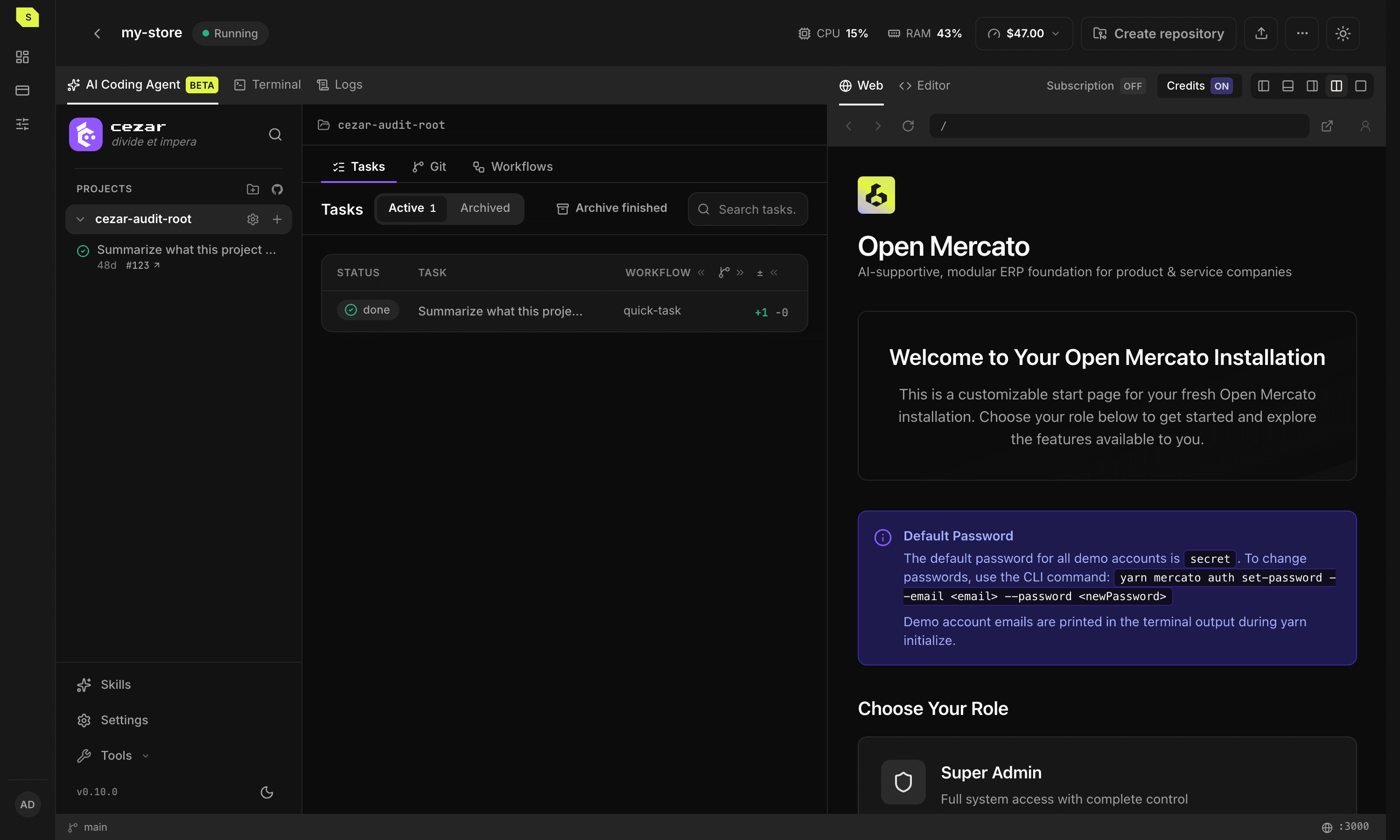
Open Mercato, preinstalled and running in dev mode. Entities, modules, generators and hot reload included.
Encryption, role-based access (RBAC), multi-tenancy, audit logs, search and queues.
VS Code in the browser, a bridge to your desktop editor, and a web terminal with full TUI and TMUX support.
Codex, Claude Code and OpenCode, preinstalled and authenticated. Other CLI agents are supported too.
Changes appear instantly in a live preview with optional password protection. GitHub is connected for cloning, commits, pushes, pull requests and CI workflows.
Download your source (.tar.gz) and database (.sql), or move the project to another sandbox.
8–16 GiB RAM, 4–6 vCPUs and NVMe SSDs. Resources vary by configuration.
Monitoring, scaling and certificates are managed. Daily backups on Enterprise.
Pick an idea. Watch the agent work and the sandbox change.
Give every bundle 15% off.
Changes stay in their own branch
Bundle pricing

Studio bundle
Notebook + cup + tray
$80.00
Bundle price
Your everyday essentials.
Meet Cezar
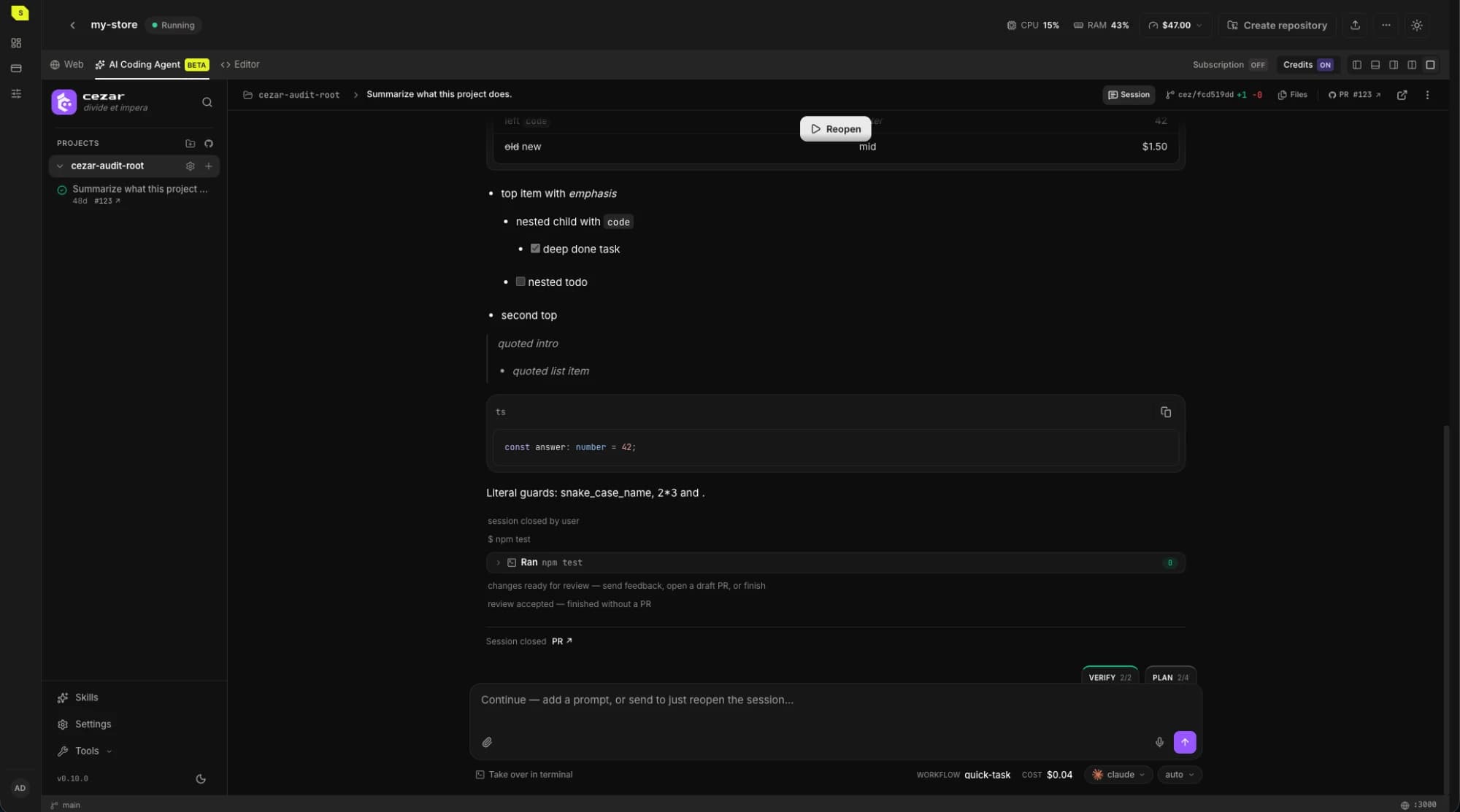
Start tasks from your phone. Cezar coordinates your coding agents and works in the background, 24/7 on every plan. Review the results when you're ready.
Your GitHub issues become tasks with their own branches. When an agent needs your answer, its slot opens up for the next task.
Save the steps and checks as a workflow, or run two versions and compare the changes.
Read the diff, ask for revisions, or open a draft PR.
Open source. MIT licensed. Runs locally or on your server.
Pricing
Try the app, coding agents and browser IDE before choosing a paid plan.
For building and testing.
$75
per seat · first month
Then $95 per seat / month
For teams building with Enterprise modules.
$1,400
per month
For larger teams and your own infrastructure.
Custom
priced for your team
Taxes depend on your location. The total is shown before purchase.
HC cover CPU, RAM and storage, metered by the minute. When credits run out, sandboxes pause. No automatic overage charges.
Use your own Claude or Codex subscription, or buy AI credits at OpenRouter prices with no markup.
Each paid seat includes 75 HC in its first month and 95 HC on each renewal. HC are service-usage units, not USD or cash. Usage is metered by the minute; the hourly rates below let you compare configurations.
| Resource | Hourly rate |
|---|---|
| vCPU | 0.06552 HCper vCPU / hour |
| RAM | 0.02106 HCper GiB / hour |
| Storage | 0.0001404 HCper GiB / hour |
Regular top-up price: $1 per HC before applicable tax. Promotional top-up packages may include more HC per dollar. The tax-inclusive total and effective price per HC are shown before purchase.
The first Developer month includes a one-time $25 AI Credits Starter, which carries over while your subscription remains active. For further AI usage, use your own Claude or Codex subscription or purchase AI Credits separately at OpenRouter prices with no markup. Purchased AI Credits also carry over; there is no recurring AI credit allowance.
Discount codes apply for partners, contributors and Brave users.
Sign up, choose a template and create your sandbox. Already have an account? Sign in to return to your workspace.
No. You can use Claude Code or Codex directly in the terminal. Cezar is there when you want to coordinate several tasks or agents.
Yes. Clone your repository into the workspace and use the same editor, terminal and database for your project.
No. Start with one small change to the sample shop. The agent has the repository's conventions available; you can inspect what it changes and try the result.
Sandboxes stay online 24/7 on every plan, including Developer. They do not sleep when idle or when you close your laptop. Running sandboxes continue to use Hardware Credits.